





HelSup

Knowledge Base · Component library

Clear information. Confident next steps.

Explore professional layouts for team knowledge, account guidance and support. The visual system brings strong structure and a consistent reading experience to everyday business information.

Editorial scene for corporate blue

Browse the collection

Reusable

1 element

Basic

8 elements

Media

2 elements

Content

10 elements

Knowledge Base

29 elements

Navigation

5 elements

Support

5 elements

Marketing

7 elements

Advanced

2 elements

Homepage studies

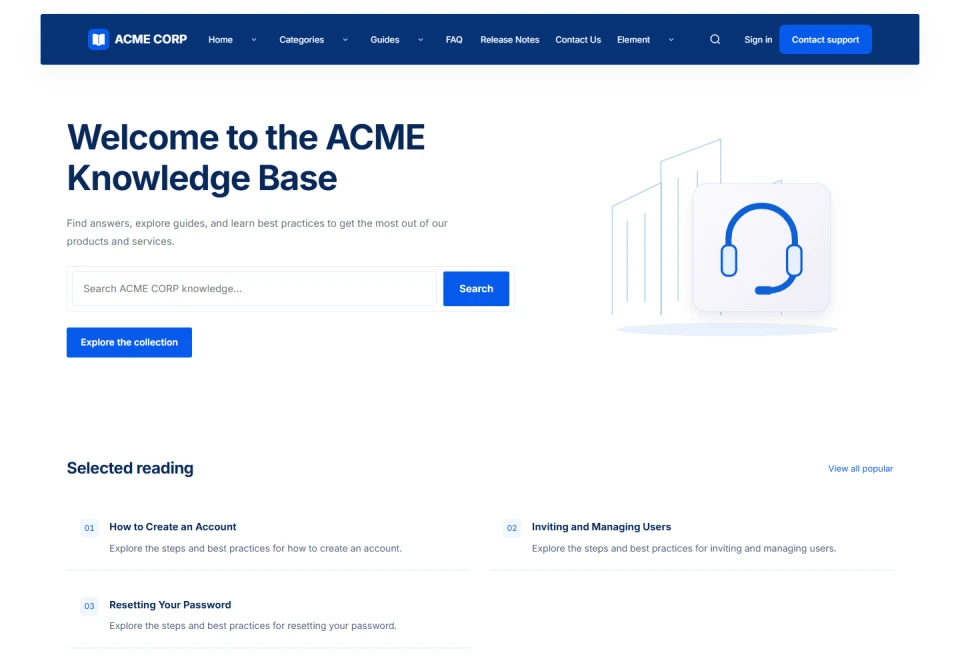
Enterprise knowledge hub
Department directory
The corporate service desk
Operations briefing
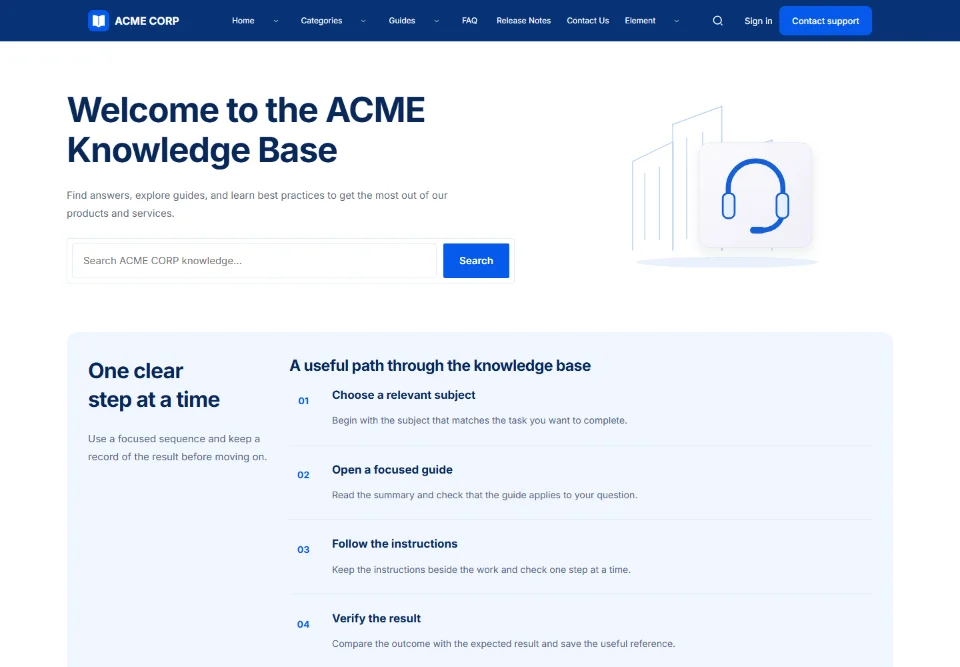
Team onboarding path

Choose a composition

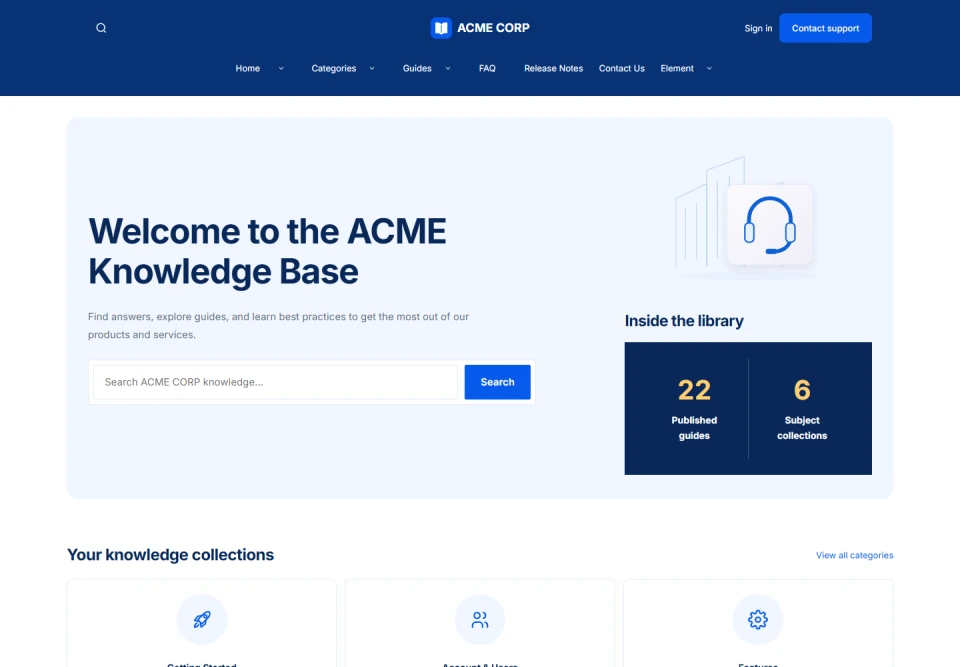
Enterprise knowledge hub

A clear library overview with real catalog counts, topic collections and useful answers. Designed for ACME CORP.

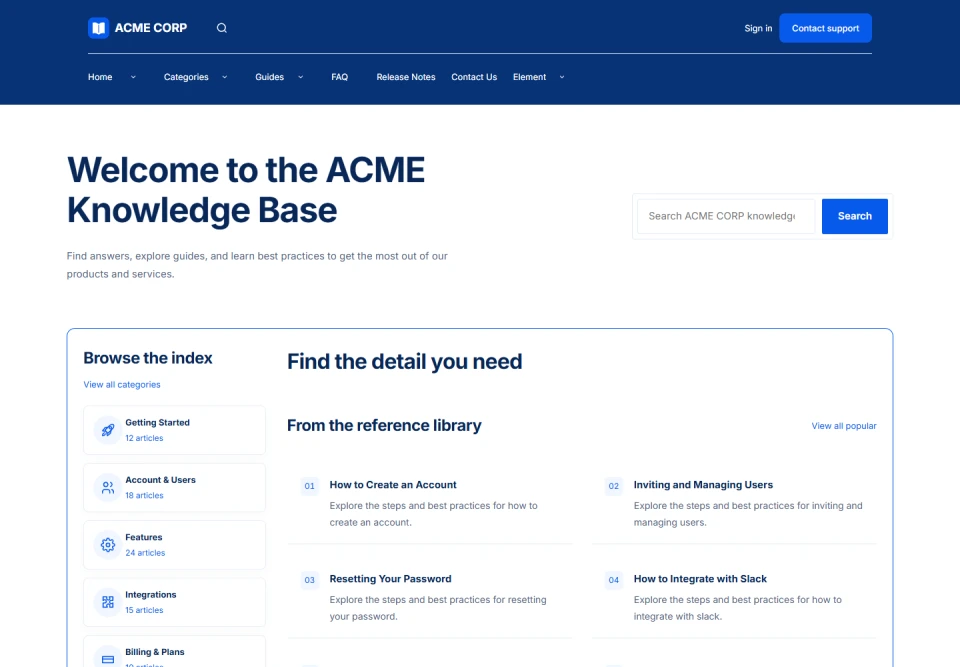
Department directory

A persistent subject rail beside a practical search and reference canvas. Designed for ACME CORP.

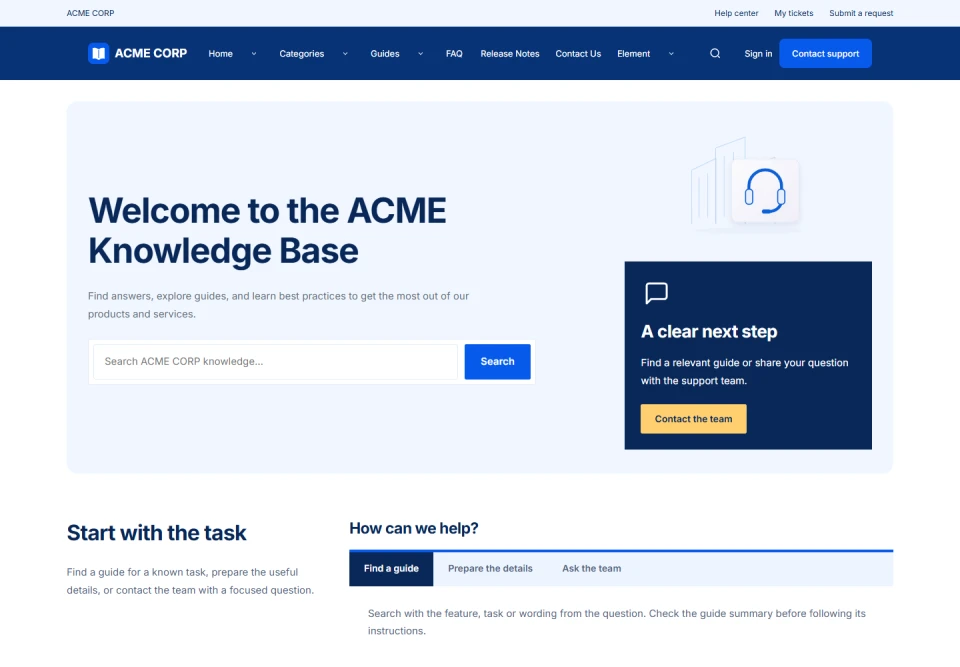
The corporate service desk

A task-led service board with useful routes, relevant topics and support guidance. Designed for ACME CORP.

Operations briefing

An image-led cover, a curated resource feature and an editorial subject index. Designed for ACME CORP.

Team onboarding path

A visual step-by-step pathway followed by the resources needed for the task. Designed for ACME CORP.

Header compositions

Centered masthead
Two-level navigation
Service header
Floating navigation
Compact navigation

Choose a composition

Centered masthead

Brand centered above the navigation, with utility actions at the edges.

Two-level navigation

Search and account controls above a full-width navigation row.

Service header

A slim service bar separates help, account and contact routes.

Floating navigation

An inset navigation panel frames the page with a raised, rounded surface.

Compact navigation

A shorter masthead prioritizes navigation and essential account actions.

Reusable

Reusable Block

Basic

Heading

A clear next step starts here

Text

Keep the useful detail close to the action. A comfortable reading width, a clear hierarchy and a focused link help readers continue with confidence.

Rich Text

Readable by design

Bring a useful introduction, a precise instruction and a clear next step together.

  • Give the reader enough context.
  • Make the action easy to find.
  • Keep related information nearby.

Image

Knowledge Base visual environment

Original theme artwork with editable crop and focal point.

Icon

Divider


Spacer

Media

Video embed

A focused walkthrough

Content

Notice

Card

Original visual guide for corporate blue

Icon Box

Original visual guide for corporate blue

Feature Box

Original visual guide for corporate blue

Callout

Stats

1 Published guides
1 Organized topics
6 Homepage compositions

FAQ

Where should I begin?

Choose the topic that matches your task. Read the introduction and check the prerequisites before following the instructions.

Can I keep a guide for later?

Save the canonical article link and the heading of the relevant section, so that your reference stays connected to the current guide.

What should I include in a support question?

Explain the task, the step you reached and the result you expected. Share only the details relevant to the question.

Accordion

Where should I begin?

Choose the topic that matches your task. Read the introduction and check the prerequisites before following the instructions.

Can I keep a guide for later?

Save the canonical article link and the heading of the relevant section, so that your reference stays connected to the current guide.

What should I include in a support question?

Explain the task, the step you reached and the result you expected. Share only the details relevant to the question.

Tabs

Start with the purpose of the guide and the outcome you want to reach. A clear scope makes the next action easier to choose.

Keep the relevant account, service or document reference available. Check the prerequisites before making a change.

Compare the result with the intended outcome and keep the useful reference for future questions.

Knowledge Base

Category List

Recent Articles

Tags

Breadcrumb

Table of Contents

Article Meta

admin@wordpress · Updated 26 Tháng 10, 2026 · QA Parity 20261027 KB · 1 min read

Article Title

QA Parity 20261027 — KB publishing workflow

Article Content

QA-only article for checking the installed plugin.

Verify that a draft remains private, a published article appears in the help center, and chatbot Help can find the published guide.

Expected result: readable typography, working navigation, and preserved content after reload.

Article Excerpt

QA-only article for checking the installed plugin. Verify that a draft remains private, a published article appears in the help center, and chatbot Help can find the published guide. Expected result: readable…

Article Author

Written byadmin@wordpress

Article Date

Article Views

4

Article Tags

Article Categories

Search Results

1 result for “guide”

Pagination

Empty State

No matching articles

A useful reference brings the question, the action and the expected result into one considered composition.

Feedback

Previous / Next

Navigation

Sidebar

Support

Submit Ticket

Preview only — submitting does not create a ticket.

Contact CTA

Live Chat

AI Assistant

Component preview

Find the relevant reference

QA Parity 20261027 — KB publishing workflow

An assistant response can bring a focused explanation and its supporting references together here.

Open the example reference
Design preview. Connect an assistant and a knowledge source to enable replies.

System Status

Component preview

Service overview

A connected status source can show the current state of your services in one place.

Knowledge baseNot connected
Support portalNot connected
File deliveryNot connected
Illustrative service list. No live operational status is being reported.

Marketing

Logo Cloud

Knowledge BaseKnowledge Base

Testimonials

Illustrative testimonial layouts

A focused reading experience

“The useful part is being able to see the context, follow the instruction and keep the right reference together.”
Sample readerExample quote for this component

A thoughtful editorial workflow

“Clear headings and a practical next step make the information easier to maintain and share.”
Sample editorIllustrative content, not a customer endorsement

Pricing Cards

Illustrative plan comparison

Essential

$19

per month · sample price

A focused starting point for an individual workspace.

  • One shared knowledge space
  • Article and category layouts
  • Email support
Explore Essential
Featured example

Team

$49

per month · sample price

More room for a growing team to work together.

  • Everything in Essential
  • Team roles and shared workflows
  • Priority support
Explore Team

Organization

Let’s talk

tailored requirements · example

A considered setup for a more complex organization.

  • Flexible workspace structure
  • A planned implementation
  • A dedicated contact
Discuss requirements

Feature Grid

QA Parity 20261027 KB

QA-only category for plugin installation, publishing and chatbot knowledge integration checks.

Integration Grid

QA Parity 20261027 KB

QA-only category for plugin installation, publishing and chatbot knowledge integration checks.

Steps

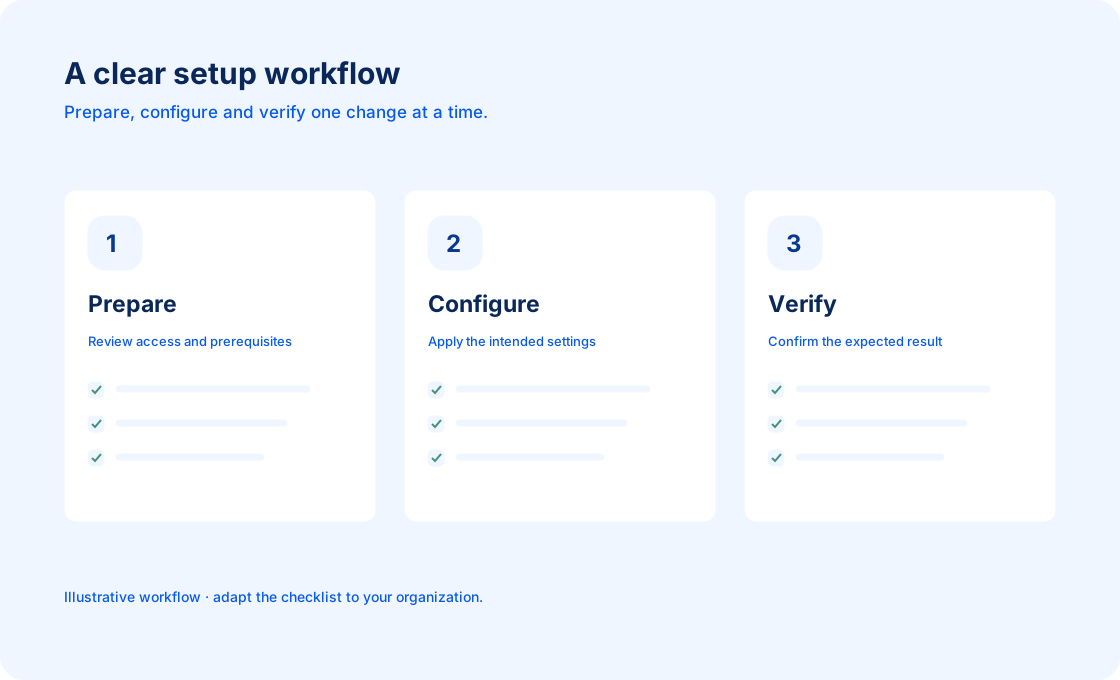
01 Prepare the context

Identify the relevant workspace or service and keep its reference available.

02 Explore the detail

Read the relevant guide and use the example to understand the intended next step.

03 Continue with confidence

Confirm the result and keep a useful link for the next person who needs it.

Newsletter

Component preview

A useful update, when it matters

An email signup can keep readers close to new guides and product updates.

Design preview. No email address is collected; a subscription service must be connected before use.

Advanced

HTML

A focused custom content panel

Use a small semantic section when a page needs a particular explanation, reference or editorial detail.

Keep the purpose visible and connect the detail to the surrounding guide.

Headings, paragraphs and lists inherit the typography of this theme, so a custom section can remain part of the same reading experience.

Shortcode

A concise media caption keeps the purpose of a visual connected to the surrounding guide.